In the digital age, privacy protection has become one of the most pressing concerns for internet users. Recently, Firefox has rolled out a series of exciting privacy features, including intelligent search engine switching and enhanced anti-fingerprinting technology. However, for users who need to manage multiple accounts, relying solely on the browser's built-in privacy features might not be enough. This article will delve into Firefox's new capabilities and demonstrate how to combine them with MasLogin, an anti-detection browser, for more secure and efficient multi-account management.
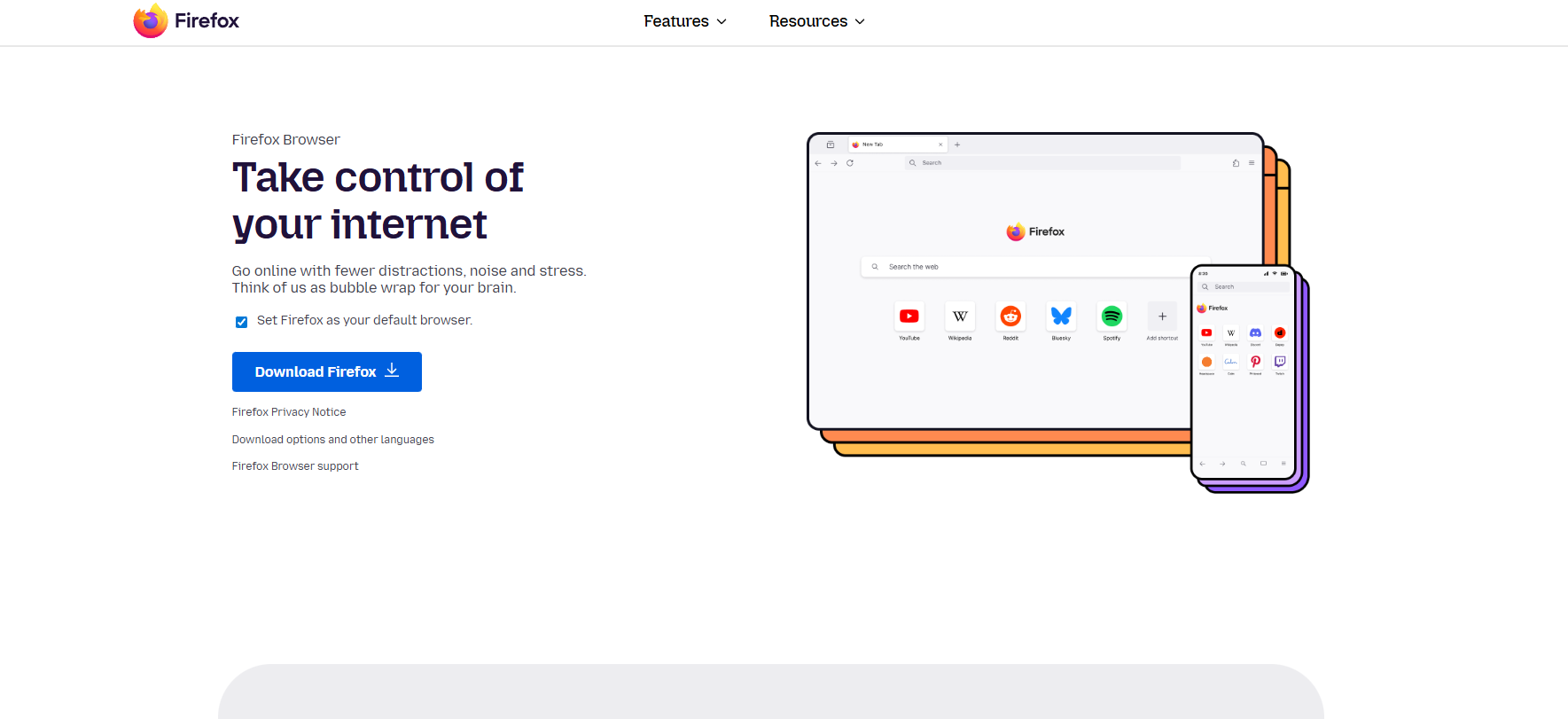
Firefox's latest quick search engine switching feature allows users to search without frequently visiting different websites. Simply type @ followed by a search engine keyword in the address bar to instantly switch your search source.
@ebay Cisco AGS to search for a specific product directly on eBay.@duckduckgo to avoid being tracked by Google.@perplexity.@w Ethernet cable to jump directly to the relevant Wikipedia entry.This design significantly improves search efficiency, especially for users who frequently need to find information across different platforms. You can customize keywords, add new search engines, or even search your browsing history or bookmarks in the settings.
Even if you clear your cookies or use private browsing mode, websites can still identify you by collecting your device information:
These seemingly harmless pieces of data, when combined, can generate a unique "digital fingerprint," allowing advertisers and data brokers to continuously track your online behavior.
According to Bleeping Computer, Firefox employs a progressive privacy protection approach:
Phase 1 (2021 - Present): Reduced trackability from a baseline of 65% to approximately 35%.
Phase 2 (Firefox 145): Further reduces the proportion of uniquely identifiable users to 20%, primarily through measures such as:
Currently, these enhanced protections are only enabled in "Private Browsing" and "Strict Tracking Protection" modes. However, Mozilla has pledged to enable these features by default after testing and optimization. This means that even less tech-savvy family members can automatically benefit from this layer of protection.
Despite the continuous advancements in Firefox's anti-fingerprinting technology, certain user groups still face challenges:
Imagine you are an Amazon seller managing 20 shop accounts. Even if Firefox blocks 80% of fingerprint tracking, the platform might still use the remaining 20% of characteristics (like login IP, device feature similarity) to deduce that these accounts are operated by the same individual, leading to bulk account bans.
MasLogin is a professional anti-detection browser that completely isolates accounts from each other by creating an independent browser environment for each user. Here's a comprehensive solution and practical steps for the issues mentioned above:
Key Advantage: Each browser environment has completely independent cookies, cache, and local storage, ensuring zero data leakage between accounts.
Practical Application: If you manage multiple Instagram accounts, you can assign proxies from different countries/regions to each account, simulating the geographical distribution of real users.
Scenario Example: Your team has 5 employees responsible for different social media accounts. Through MasLogin's permission control, Employee A can only access Facebook accounts, while Employee B can only operate Twitter accounts, without interfering with each other.
Advanced Tip: When creating browser configurations in MasLogin, proactively enable Firefox's "Strict Tracking Protection" mode and combine it with MasLogin's fingerprint randomization features to make it almost impossible for platforms to identify your true identity.
| Feature | Firefox Private Mode | MasLogin Anti-Detection Browser |
|---|---|---|
| Anti-Fingerprinting | ✅ | ✅ |
| Independent Browser Env | ❌ | ✅ |
| Proxy IP Management | ❌ | ✅ |
| Team Collaboration | ❌ | ✅ |
| Bulk Account Management | ❌ | ✅ |
| Automation Support | ❌ | ✅ |
While no single tool can completely eliminate online tracking, combining them can significantly enhance your privacy protection level:
As Delete Me emphasizes, while 100% anonymity on the internet is impossible, you can significantly reduce the risk of scams, doxxing, and harassment. MasLogin, on top of this, provides more granular account isolation and team management capabilities for commercial users.
Mozilla employs a balanced strategy, avoiding excessive blocking of all tracking technologies to prevent disrupting normal website functions. If you encounter compatibility issues, you can disable strict protection mode on specific websites.
As long as browser fingerprints and proxy IPs are configured correctly, and real user behavior is simulated, platforms cannot distinguish MasLogin from ordinary browsers. The key is to avoid batch operations and homogenized account behavior.
Outline