Have you ever wanted to run your favorite iOS apps on a larger screen? Whether you're testing applications, enjoying iOS-exclusive games, or simply want to experience the Apple ecosystem on your PC or Mac, an iOS simulator can help you achieve all of this. But with so many options on the market, how do you find the one that's best for you?
This article will provide a detailed look at 5 of the most worthwhile iOS simulators to try, covering developer tools, security research platforms, and casual entertainment apps, helping you make an informed choice based on your actual needs.
Before diving into specific tools, let's clarify the practical problems an iOS simulator can solve for you:
Developer Scenarios: Test app compatibility across different device models and iOS versions without needing to purchase multiple iPhones or iPads, significantly reducing development costs.
Security Research Needs: Conduct vulnerability analysis and penetration testing in a virtual environment, avoiding damage to physical devices.
Personal Entertainment Experience: Enjoy iOS-exclusive apps or games on a big screen, or get a preview of Apple ecosystem features.
Next, we will introduce the core advantages and target users of these 5 tools, from professional-grade to beginner-friendly.
If you're a Mac user involved in iOS app development, Xcode is undoubtedly the best choice. The iOS simulator built into this official Apple Integrated Development Environment (IDE) is currently the most reliable and accurate iOS runtime environment.
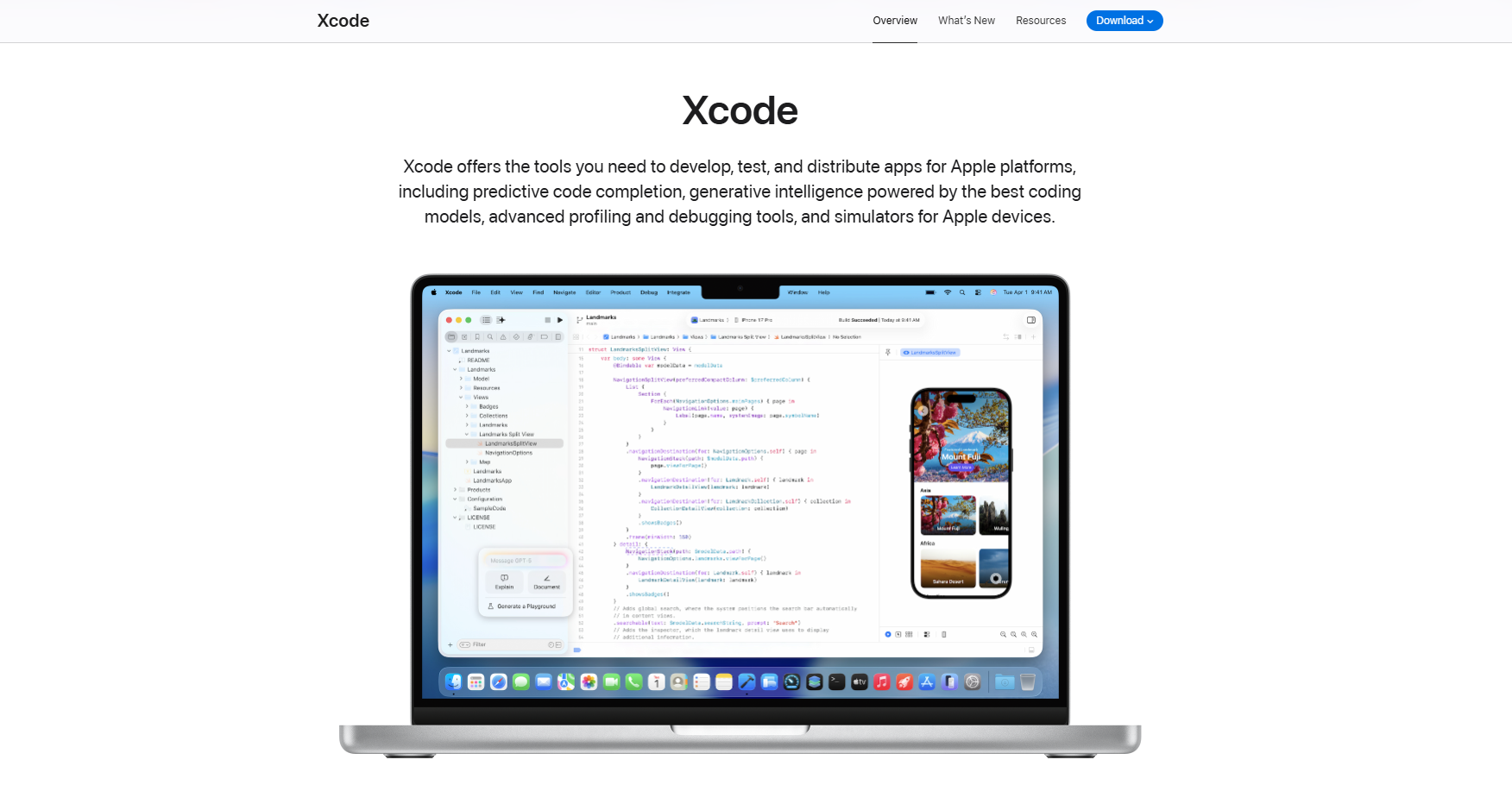
Xcode's iOS simulator fully replicates the real device experience. You can simulate various iPhone and iPad models, including combinations of different screen sizes and iOS versions. It supports testing advanced features such as GPS location, gesture operations, and even Siri voice assistant, which is crucial for developing applications that require verification of complex interactions.
When developing a social networking app, you can simultaneously test its display on an iPhone 14 Pro and an iPad Air through Xcode, checking if the layout adapts to different resolutions. Location-based apps can simulate user scenarios in different locations without requiring on-site testing.
It's important to note that Xcode only supports macOS. Additionally, there's a learning curve for first-time users. However, for users who need a professional development environment, its official support and comprehensive documentation make it an indispensable choice.
Corellium is a high-end solution for developers and security researchers, offering a fully virtualized iOS device environment. It is particularly popular in the cybersecurity field and is widely used for vulnerability discovery and system analysis.
Unlike other simulators, Corellium runs a fully virtualized iOS system, providing near-real device accuracy. You can customize device models, iOS versions, and even create jailbroken environments for in-depth testing. This flexibility makes it an ideal tool for penetration testing and security auditing.
Cybersecurity researchers can use Corellium to analyze malware behavior in an isolated environment or test application security vulnerabilities. Enterprise security teams can also use it to verify the effectiveness of mobile device management policies.
Due to its high pricing and complex functionality, Corellium is better suited for professional users with budget and technical capabilities. It is recommended that general developers or casual users prioritize other options.
Smartface is designed for teams that need to develop both iOS and Android applications simultaneously, offering a complete set of debugging, testing, and deployment tools within a unified environment.
It supports extensive iOS version compatibility, allowing you to find suitable testing environments whether you're maintaining older apps or developing for the latest system versions. Its cross-platform capability means you can switch between iOS and Android simulators within the same interface, eliminating the need to frequently change tools.
For enterprise application development teams, Smartface can significantly improve collaboration efficiency. For example, an e-commerce app team can simultaneously test the iOS shopping flow and Android payment integration, quickly identifying cross-platform discrepancies.
Although the learning curve is relatively steep, investing time to master this tool can lead to long-term productivity gains for teams handling complex projects.
If you need to test apps quickly without installing any software, Appetize.io offers an ideal solution. This is a purely web-based iOS simulator where you can run apps directly in your browser by uploading your app or using a demo version.

No downloads or installations are required. It supports Windows, macOS, and even Linux systems – any device with a browser can use it. It is particularly suitable for scenarios where you need to quickly showcase app prototypes to clients or team members.
Product managers can share Appetize.io links with remote team members, allowing everyone to view the latest app version in real-time during meetings. QA testers can also use it for quick regression testing without configuring complex local environments.
It's important to note that Appetize.io is not designed for gaming and has limited performance. If your primary need is app development and demonstrations, this is an efficient and economical choice.
For ordinary users who simply want to experience iOS apps and games, iPadian offers the most user-friendly entry point. Its interface mimics the iPad design, allowing you to experience an iOS-like operation on your PC or Mac.
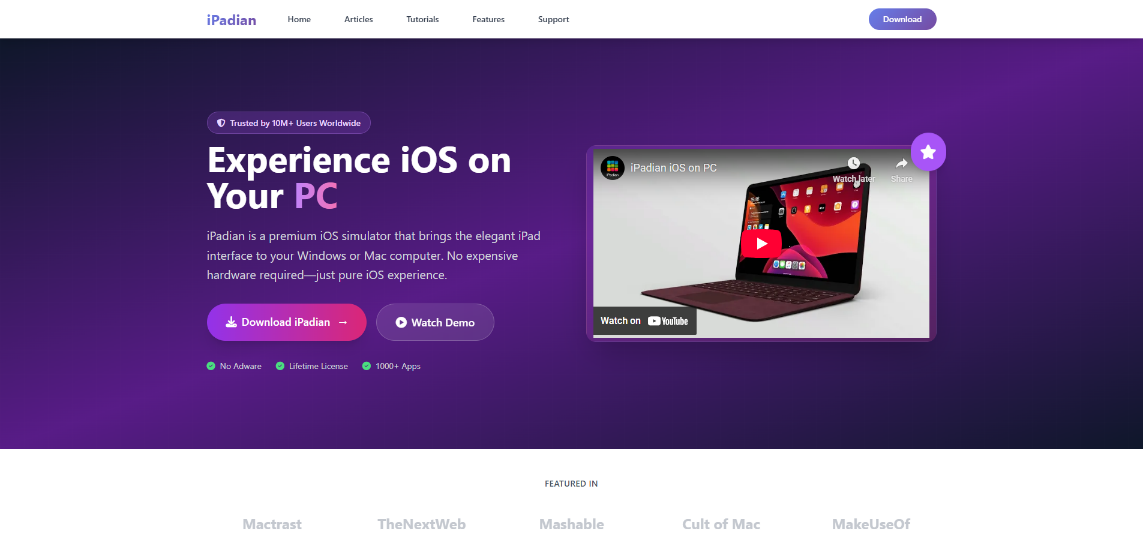
iPadian is not a full iOS system simulator but rather a curated runtime environment for popular apps and games. While it doesn't provide access to the entire App Store, the built-in app library is sufficient for everyday entertainment needs.
Want to play iOS-exclusive games on your computer? Or get a preview of a popular iOS app? iPadian is easy to install and requires no technical background, making it ideal for such light usage needs. For instance, you can use it to watch streaming content on a large screen or try out mobile games recommended by friends.
Compared to professional tools, iPadian has a noticeable gap in functional depth, but for non-developer users, its ease of use and low barrier to entry are its biggest selling points.
Matching the tool to your actual needs can save you time and money:
It's worth noting that if you encounter account association risks when using multiple social media accounts or cross-border e-commerce platforms, you might consider using anti-detection browser tools like MasLogin to create independent browser environments and avoid security risks in multi-account management.
It cannot completely replace it. While professional tools like Xcode and Corellium can simulate most functions, certain hardware features (such as camera and sensor accuracy) and performance still require verification through real device testing. Developers are advised to perform actual device testing before final release.
Xcode is completely free for Mac users. Appetize.io offers a limited free trial. iPadian has a free version, but its features are restricted. Smartface and Corellium are primarily aimed at enterprise users and require paid subscriptions.
Yes, but the options are limited. Appetize.io is the best option as it runs in the browser. iPadian also supports Windows. Xcode is limited to macOS, and Windows users would need to install macOS via a virtual machine to use it.
For developers testing game functions and interfaces, simulators are generally sufficient. However, for a true gaming experience, there is a gap in performance and control feel compared to a real device. Casual gamers can try iPadian, while professional development is recommended to be supplemented with real device testing.
Using official tools (like Xcode) or reputable platforms (like Corellium) is the safest approach. Avoid downloading cracked simulator versions from unknown sources. When testing sensitive data, it is recommended to run in an isolated environment and refer to the MasLogin Help Center for more advice on account security management.
Outline
_00000 (1).png)
 (1) (1) (1).png)