For businesses that need to promote multiple websites simultaneously, a common dilemma arises: Should you use a single Google Ads account to manage all your websites, or should you set up separate accounts for each one?
While this question may seem simple, it actually involves multiple dimensions, including account security, advertising performance, and team collaboration. If handled improperly, it could trigger Google's risk control system, leading to account suspension and the removal of all your ads. This article will help you find the most suitable solution from three perspectives: compliance, ad performance, and data management.
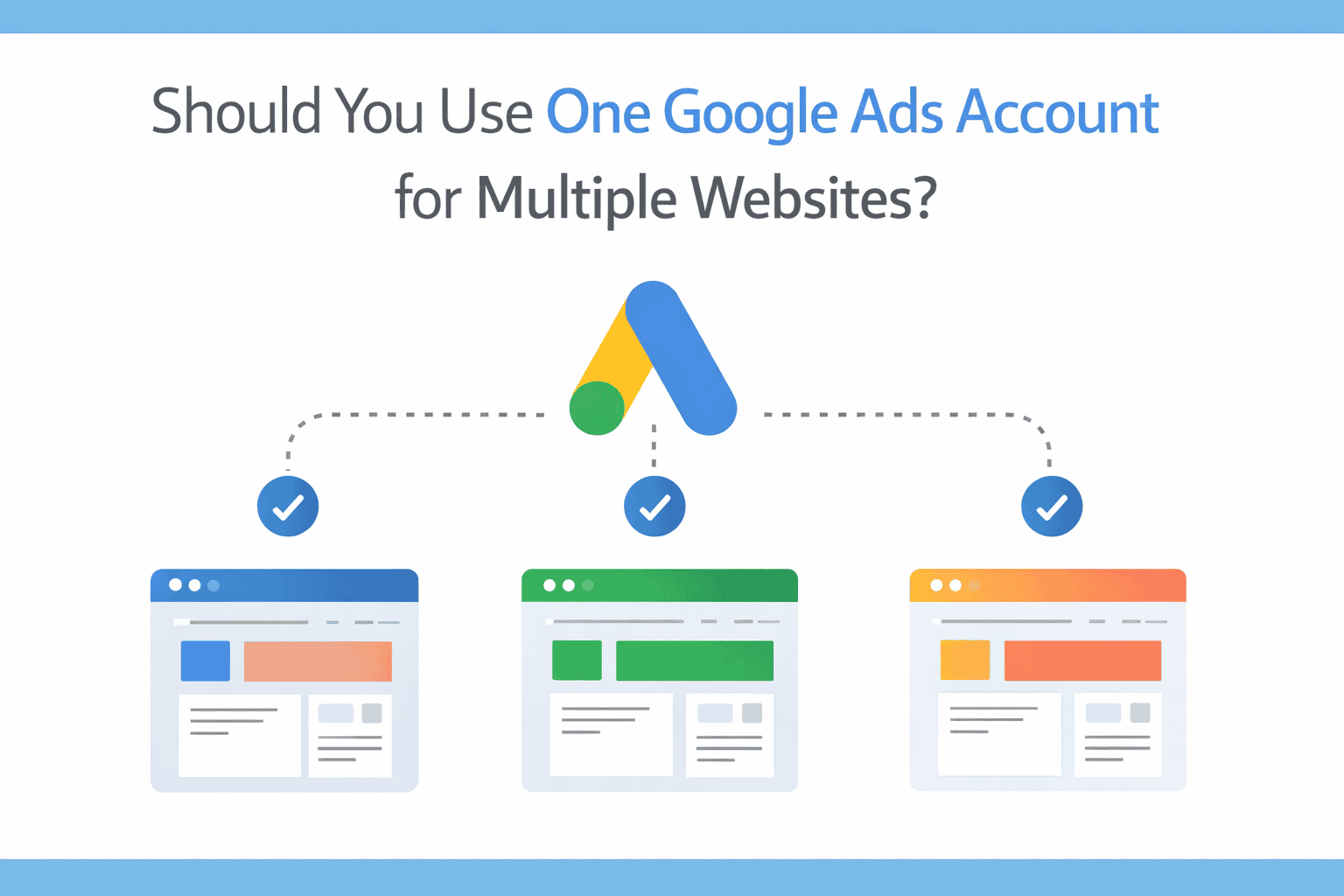
When you manage multiple websites, your choice of account structure directly impacts:
More critically, Google's algorithms actively identify "suspicious behavior." If you manage multiple accounts incorrectly, even if you haven't violated any explicit rules, your accounts might be misidentified as engaging in duplicate advertising or fraudulent activity, triggering account suspension.
The primary benefit of placing multiple websites under a single Google Ads account is avoiding risk control triggers due to account linking. Google's system detects information such as:
If you create separate accounts for multiple websites of the same company but use the same payment information, Google might interpret this as an attempt to circumvent the "Double Serving Policy" and freeze some or all of your accounts.
However, this approach has a significant drawback: if an account is suspended due to a violation related to one website, ads for all websites will be immediately taken down.
For example, imagine you're promoting an e-commerce site and an informational blog simultaneously. If the e-commerce site is flagged as a "non-trusted merchant" due to customer complaints, the entire account could be suspended, preventing ads for the blog from running. This can be fatal for businesses reliant on ad traffic.
This option is more suitable for:
Setting up a separate Google Ads account for each website offers the primary advantage of risk isolation. Even if one website encounters an issue that leads to its account being suspended, ads for other websites can continue to run normally.
However, this approach requires extreme caution. If you use the following for different accounts:
Google's system may determine that these accounts are "linked" and subsequently check for violations of the duplicate advertising policy. If it detects that multiple accounts are bidding on the same keywords simultaneously, it could trigger mass account suspensions.
Furthermore, Google explicitly prohibits the same advertiser from repeatedly displaying ads for the same keywords across multiple accounts. For instance, you cannot use two accounts to promote different landing pages for the same brand, as this would be considered malicious competition.
If you truly need to manage multiple accounts, you must ensure:
However, this is often difficult to implement in practice – most people don't have multiple corporate entities and don't want to constantly switch devices to manage accounts.
For teams that need to manage multiple Google Ads accounts simultaneously, MasLogin offers a more secure and efficient solution.
MasLogin is an anti-detect browser that creates completely isolated browser environments for each Google Ads account. Even if you log into multiple accounts from the same computer, Google cannot determine they are linked based on information such as:
This means you can securely manage multiple Google Ads accounts from a single computer without worrying about the system identifying them as "suspiciously linked."
Assuming you need to create separate Google Ads accounts for three websites, here are the detailed MasLogin operational steps:
Repeat this step to create independent environments for the remaining two websites.
If you have multiple team members who need to manage these accounts together:
When using MasLogin for multi-account management, also pay attention to these details:
If you are already running multiple Google Ads accounts, it's not recommended to make large-scale adjustments immediately.
Google's risk control system continuously monitors account changes. If an account that has been running smoothly for months suddenly changes its payment method, login location, or device fingerprint, it might trigger a manual review.
A safer approach is to:
Although Google officially denies the existence of "account-level Quality Scores," actual campaign performance does show that:
If all your websites are business-related (e.g., a main maternal and infant product site + a brand community), consolidating them under one account allows you to:
However, if your multiple websites target highly overlapping keywords, running them in separate accounts might violate the "Duplicate Advertising Policy." For example:
Even if the website content differs, Google might deem this as malicious competition and suspend some or all accounts.
If you run multiple websites within a single account, you need to pay special attention to:
Separate accounts naturally achieve data isolation, making ROI, conversion rates, and other metrics for each website clear at a glance. However, this requires more time invested in:
MasLogin's team collaboration feature can alleviate this issue: you can assign management permissions for specific accounts to different team members, and view all environment operation logs in a unified backend.
If these accounts are currently running normally, do not change your payment method for now. Google may have already passed the initial review, and sudden changes could draw attention.
For future new accounts, it is recommended to:
If you use the same account to run the same keywords for different websites, it usually won't be an issue (as long as the website content is compliant).
However, if you use different accounts to run the same keywords, and these accounts are linked (e.g., same payment information), it could be deemed a violation of the duplicate advertising policy.
MasLogin primarily isolates technical-level linking signals such as device fingerprints, IP addresses, and cookies. However, if you use the following across multiple accounts:
Google may still infer linking through business information. Therefore, technical isolation and business information isolation are both essential.
This depends on your business scenario:
If you are unsure, you can start by creating a test environment with MasLogin, observe for a while, and then make a decision.
More appeal techniques can be found in the MasLogin Help Center.
There is no absolute standard answer to whether a single Google Ads account can be used to manage multiple websites. The key lies in:
For teams that need to promote multiple independent brands or high-risk businesses simultaneously, using MasLogin to create isolated environments is a more secure choice. It not only reduces the risk of account linking but also enhances team collaboration efficiency, allowing you to maximize ad campaign effectiveness within compliance guidelines.
Outline