TikTok, as a mobile-first platform, presents numerous limitations for managing multiple accounts on desktop. Many users find that logging into multiple accounts directly in a browser can easily trigger the platform's risk control mechanisms, leading to restricted traffic, account bans, or shadow bans. This article will delve into how to securely and efficiently create and manage multiple TikTok accounts on desktop using MasLogin Anti-Detect Browser.
TikTok's risk control system identifies users from various dimensions, including device fingerprints, IP addresses, browser cookies, and more. When you frequently switch accounts on the same computer and in the same browser, the platform deems these accounts to be at risk of association, consequently taking restrictive measures:
As a mobile-first platform, TikTok has apparent limitations for registering accounts on desktop:
These restrictions pose significant challenges for operators and marketing teams who need to manage accounts in bulk.
MasLogin is a professional anti-detect browser that creates independent digital identities for each account through browser fingerprint isolation technology. This means that even if you run multiple TikTok accounts on the same computer, the platform will recognize them as separate users from different devices and geographic locations.
1. Complete Isolation of Browser Environments
Each browser profile has independent cookies, local storage, cache, and other data, ensuring that accounts do not interfere with each other. If one account encounters an issue, it will not affect others.
2. Independent IP Address Configuration
MasLogin supports configuring independent proxy IPs for each browser profile. You can use the built-in proxy service or integrate third-party residential proxies to ensure each TikTok account has a genuine and stable network identity.
3. Cloud-Based Session State Saving
When you close a browser profile, all session data is automatically saved to the cloud. The next time you open it, you don't need to log in again and can continue working directly, avoiding frequent logins that trigger platform verification.
4. Team Collaboration and Multi-Device Synchronization
You can share browser profiles with team members. Even if they are in different countries and use different devices, they can securely access the same TikTok account without triggering "remote login" warnings.
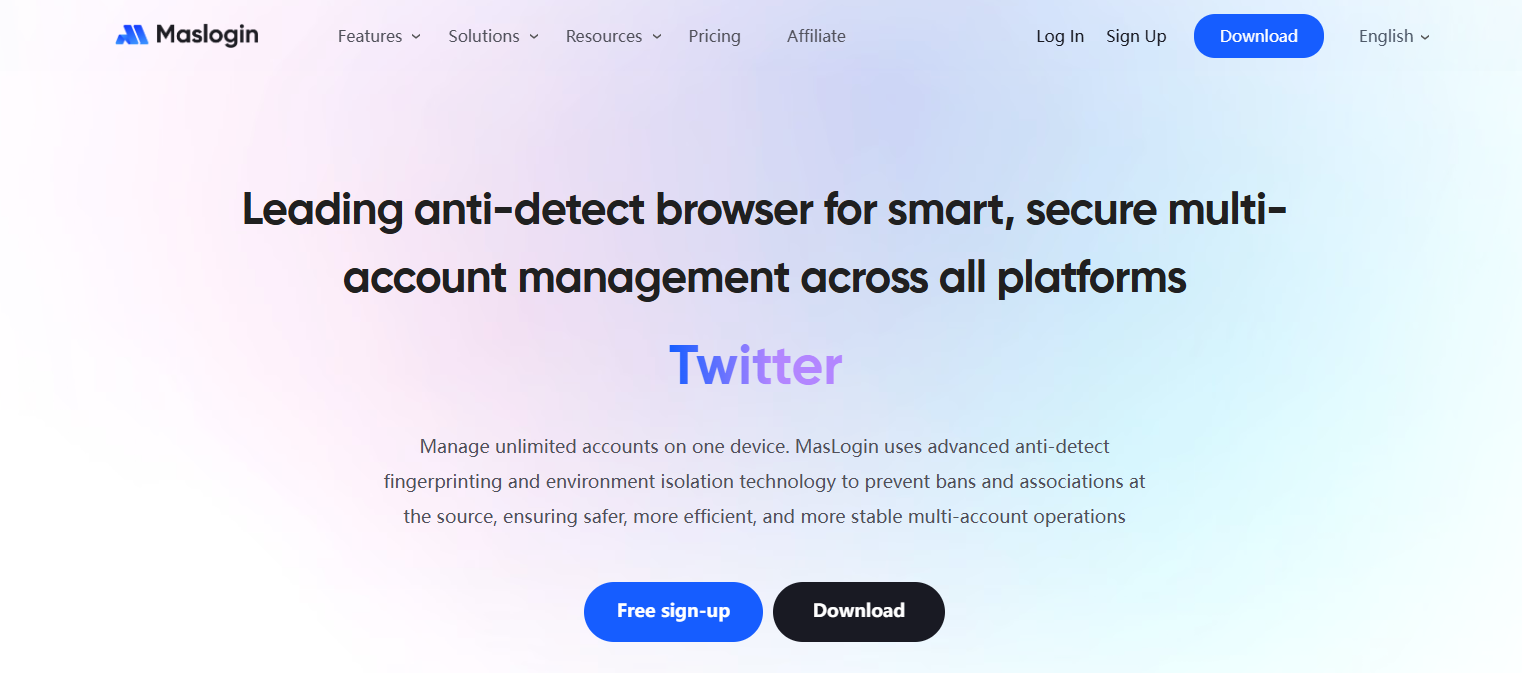
Visit the MasLogin Official Website, download the client suitable for your operating system, and complete the installation. After launching, you will see the main interface, with the list of browser profiles on the left and the proxy IP status for the profiles on the right.
![P@E]KBFN9[@X_E]CS3QOGJA.png](https://oss.seoinfra.cn/production/files/0/1765798113201268477_72509.png)
Click the "Add Profile" button to enter the configuration interface. Here you need to set:
In the proxy settings, select "MasLogin Proxy," then:
Tip: To avoid confusion, it's advisable to record the proxy IP information in the profile name or remarks.
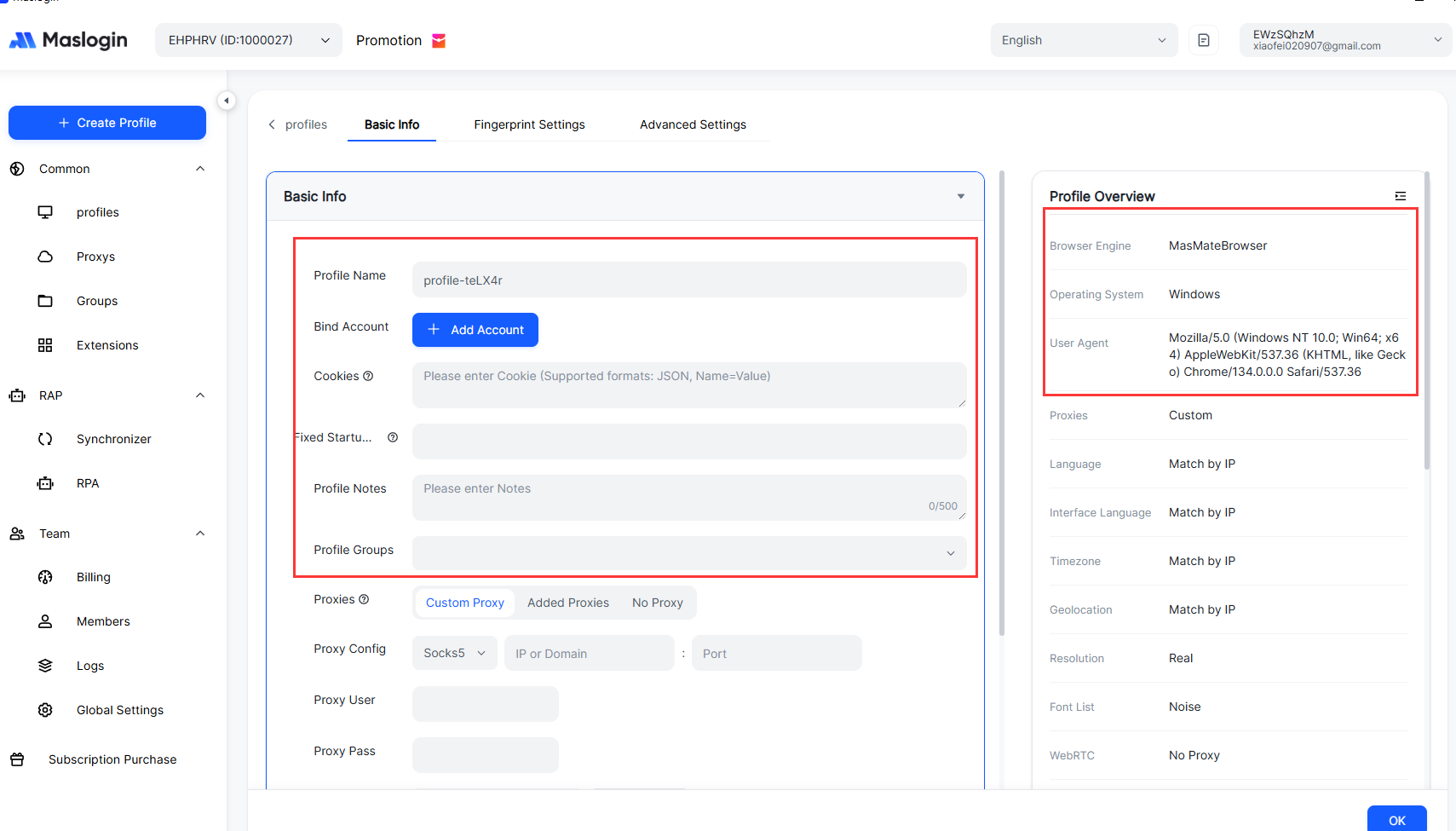
In the profile list, find the profile you just created and click the "Run" button. The system will open an independent Chrome browser window – this window is completely isolated from other browsers on your computer.
Open the TikTok official website in the browser:
Register using a Google Account (Recommended Method):
Since the TikTok desktop version does not support direct registration with a phone number or email, it is recommended to choose "Continue with Google." You can use your existing Google account or create a new one before linking it.
Complete Account Information:
At this point, your first TikTok account has been successfully created in an isolated environment.
Create Second and Third Accounts:
Repeat the above steps, creating an independent browser profile for each new account and configuring different proxy IPs. Key points:
Run Multiple Accounts Simultaneously:
In the MasLogin profile list, select multiple profiles (hold Ctrl or Shift to multi-select) and click "Run." The system will open multiple browser windows simultaneously, each corresponding to an independent TikTok account. You can:
Session Saving and Restoration:
When you finish your work, click the "Stop" button to close the browser windows. MasLogin will automatically upload all session data (login status, browsing history, cookies, etc.) to the cloud. The next day when you open it:
![8U@XMRY])OZY8P601%UY[B1.png](https://oss.seoinfra.cn/production/files/0/1765798126825653970_86015.png)
If you need team members to assist in managing a TikTok account, you can use MasLogin's sharing feature:
Advantages:
If you need to switch between your office computer and your home computer, simply install MasLogin on both devices and log in with the same account. All browser profiles will automatically synchronize. When switching devices:
Even with independent IPs and fingerprints for each account, it's advisable to stagger operation times:
If a proxy IP has been used by multiple users, it may suffer from "IP reputation pollution." It is recommended to:
Newly registered TikTok accounts require a "warming-up period" to receive normal recommended traffic:
No. MasLogin uses browser fingerprint isolation technology to give each browser profile independent device fingerprints, IP addresses, time zones, and other parameters. TikTok will recognize them as genuine users from different devices, not multiple accounts operated by the same person.
Yes. Although MasLogin allows for free use of browser profiles, to ensure account security, each profile must use an independent proxy IP. You can use MasLogin's built-in paid proxy service or integrate with third-party residential proxy providers.
Since MasLogin saves session states, you can continue to log in even if you forget your password. However, it is recommended to record the login credentials for each account in a secure place for recovery purposes if needed. For more account security management methods, refer to the MasLogin Help Center.
MasLogin supports all major social media and e-commerce platforms, including Facebook, Instagram, Twitter (X), Amazon, eBay, and more. It can be used in any scenario requiring multi-account management. For related terminology and usage tips, check the MasLogin Glossary.
No. MasLogin's cloud-based session state saving mechanism makes the platform believe it's "same device roaming" rather than "multiple people sharing an account." However, when sharing profiles, it's recommended to clearly communicate operating guidelines to team members to avoid multiple simultaneous logins.
With MasLogin, you can securely and efficiently manage multiple TikTok accounts on your desktop. Whether you are an individual creator, a marketing team, or an e-commerce seller, you can significantly improve work efficiency and reduce account risks. Visit the MasLogin Official Website now to start your free trial. For more usage tips, please refer to the MasLogin Blog.
Outline
_00000 (1).png)